To reserve the MRI scanner, the simulation room, the testing room, or even equipment, you can submit reservation requests via the web calendar.
Making your reservation.
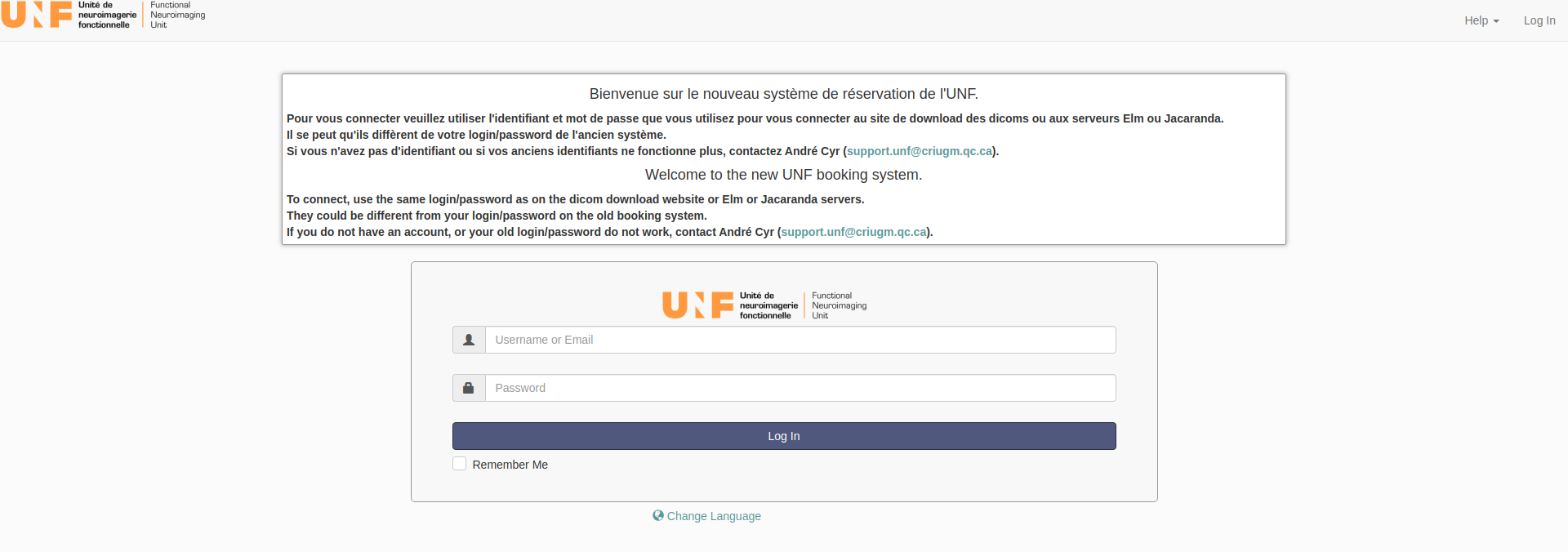
Once logged in, you will find yourself on this page.
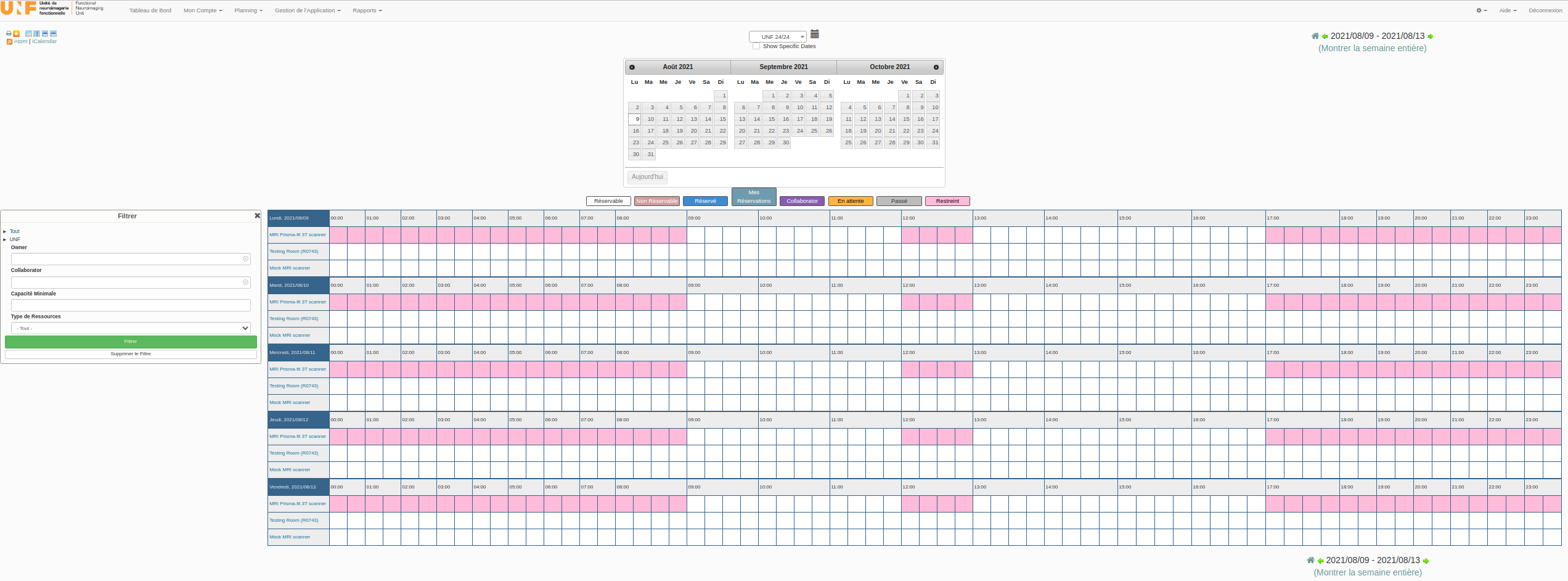
You must select with your mouse the time slot you wish to reserve. A reservation must be made for each participant.
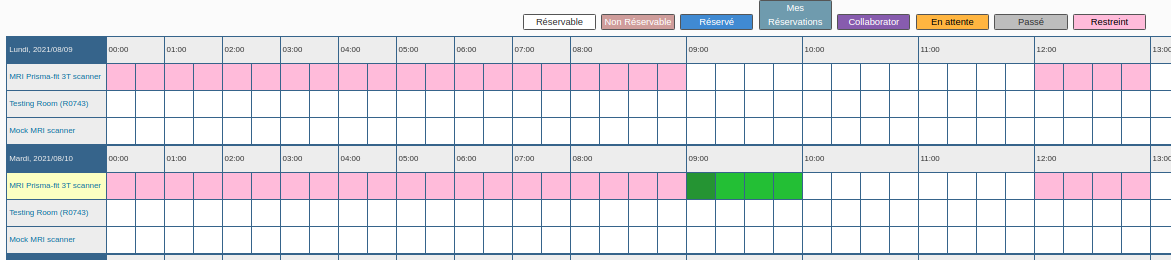
You can now fill out the following reservation form:
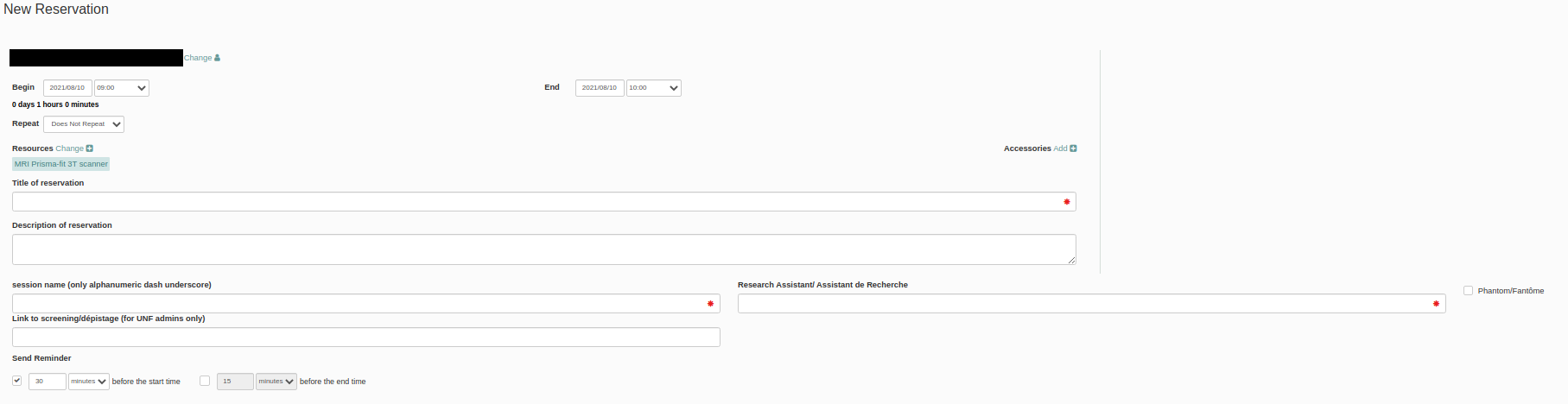
Required fields:
Reservation label
Session name
Research assistant
Accessories
If you are reserving the MRI in order to scan a phantom, please check the Fantôme/Phantom field.
Validation message
If your reservation is validated by the system, the reservation message should be as follows:

You can click on “Screening” directly if you are able to complete the MRI screening form. Otherwise, you will have access to this link from your reservation.
If your reservation is not validated by the system, you will receive an error message as well as the option to send us an email at the following address support.unf.
Your reservation will then be visible in yellow (pending) on the calendar. You have access to the form from your reservation. The screening form must be completed as soon as possible, at least 24 hours before the scan.
Link to screening/depistage: screening to be completed by the participant (can be filled out from a tablet or computer)
An example screening form is provided for information in the documents section, but the form must be submitted electronically.
After your reservation
You will receive an email per day during the twelve days preceding your reservation to remind you to complete the screening.
A few minutes after completing the screening form, your reservation will turn blue.
Finally, once the MRI screening form has been reviewed and validated by our team, your reservation will turn green.
Recommendations
Be careful to submit your reservation request on the correct line (MRI Prisma-fit 3T scanner, testing room (R0743), or simulation room).
Make your reservation under the name of the project that will be used for scanning. This will allow UNF staff to prepare in advance.
Have the participant fill out, or fill out with the participant, the MRI screening form as quickly as possible.
Cancelling a reservation
If you wish to cancel, please consult the cancellation policy on the UNF website to avoid unnecessary costs.
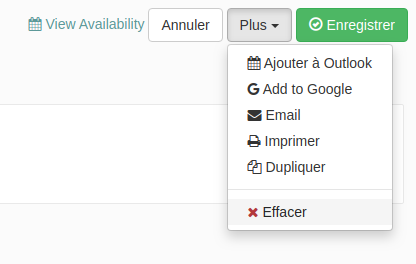
To cancel the session, you need to log in, click on your reservation, and then on the right click More > Delete. Depending on several conditions, you may not be able to delete your reservation. If you have a problem deleting a reservation, please contact support
Additional rules
Reservations must be for a minimum of 30 minutes
Reservation duration increases in 15-minute increments
Setup time for the MRI and control room, as well as cleaning time, must be taken into consideration when reserving time slots.
Reservations must be made according to the UNF Opening Hours calendar (i.e., Monday to Friday, from 9:00 AM to 12:00 PM and from 1:00 PM to 5:00 PM).
It is possible to reserve the MRI outside of these periods, subject to prior approval from the scientific director. The following conditions then apply:
Increased hourly rate (see hourly rates and billing policies on the UNF website).
Any reservation required after 5:00 PM and lasting less than 3 hours (e.g., 6:00 PM to 7:15 PM) must end by 8:00 PM.
Any reservation required after 8:00 PM has a minimum duration of 3 hours (or more) OR will be billed automatically for 3 hours if the duration is less.
Between two research groups, a 15-minute time slot will be reserved on the UNF calendar to ensure that staff and researchers have time to go through their post-analysis disinfection checklist.